





Knowing how to read a Key Information Document is essential for contractors working through umbrella companies. The KID is designed to show, in plain terms, how your pay will work. However, many contractors either skim it or misunderstand what it actually tells them.
As a result, issues like lower-than-expected take-home pay, unexplained deductions, and holiday pay disputes often stem from details hidden in plain sight. This guide explains how to read a Key Information Document properly, highlights what contractors often miss, and shows how to spot potential compliance risks before they affect your pay.
1. What Is a Key Information Document (KID)?
A Key Information Document is a legally required summary that agencies or umbrellas must provide before you start an assignment. Its purpose is to give a transparent breakdown of how your assignment rate translates into take-home pay.
Importantly, a KID is not a contract. Instead, it acts as a comparison tool that allows contractors to understand pay structures before agreeing to work through a particular umbrella company.
A compliant KID should clearly show:
The assignment rate
All employer and worker deductions
Holiday pay treatment
Estimated take-home pay
If any of this information is missing or unclear, that alone is a red flag.
2. Where Contractors Should Start When Reading a KID
When reviewing a KID, contractors should begin at the top and work down systematically. Jumping straight to the take-home figure often leads to misunderstandings.
The first section usually confirms:
Your employment type (umbrella employee)
Who pays you (the umbrella company)
Whether the figures are estimates
At this stage, confirm that the document reflects your actual assignment rate and working pattern. Even small discrepancies can lead to large pay differences later.
3. Assignment Rate vs Gross Pay: A Common Point of Confusion
One of the most misunderstood parts of a Key Information Document is the difference between assignment rate and gross pay.
The assignment rate is the total amount paid by the agency or end client. From this figure, the umbrella deducts:
Employer’s National Insurance
Employer pension contributions
Apprenticeship levy
Umbrella margin
Only after these deductions does your gross taxable pay appear.
If a KID blurs this distinction or implies that the assignment rate equals your gross pay, contractors should proceed with caution.
4. Employer Costs: What Should (and Shouldn’t) Appear
Employer costs are legitimate deductions under umbrella employment. However, contractors often miss how large these costs are — or whether they are calculated correctly.
Typical employer costs shown in a KID include:
Employer’s NI
Pension contributions
Apprenticeship levy
What should not appear are vague or unexplained costs. Terms like “administration charge” or “processing fee” without detail may indicate non-transparent practices.
5. Holiday Pay: One of the Most Overlooked Sections
Holiday pay is one of the areas contractors most frequently overlook when reading a KID. Yet, it has a direct impact on take-home pay.
The KID should clearly state whether holiday pay is:
Accrued (held back and paid when leave is taken), or
Advanced (paid alongside regular wages)
If the document does not clearly explain how holiday pay is treated, contractors risk losing income they are legally entitled to.
6. Take-Home Pay Estimates: Why They Are Not Guaranteed
The estimated take-home pay shown in a KID is just that — an estimate. It assumes:
No changes in tax code
No pension opt-outs
No variations in hours worked
Contractors often miss the small print explaining these assumptions. A compliant umbrella will make it clear that take-home pay can vary and will never guarantee a specific percentage. Find our list of Top 10 Compliant Umbrella Companies here.
7. Red Flags Contractors Often Miss in a KID
Even experienced contractors can miss warning signs hidden within a Key Information Document.
Common red flags include:
Take-home pay significantly higher than other umbrellas
References to loans, advances, or credit facilities
Offshore payment references
Lack of clarity around tax treatment
No mention of PAYE
If something looks unclear or too good to be true, it usually is.
8. What to Do If Your Payslip Doesn’t Match the KID
Your first payslip should broadly align with the figures in your KID. Small differences are normal, but large or repeated discrepancies are not.
If this happens:
Ask the umbrella for a written explanation
Compare deductions line by line
Raise the issue with your agency if needed
Consider switching umbrellas if transparency is lacking
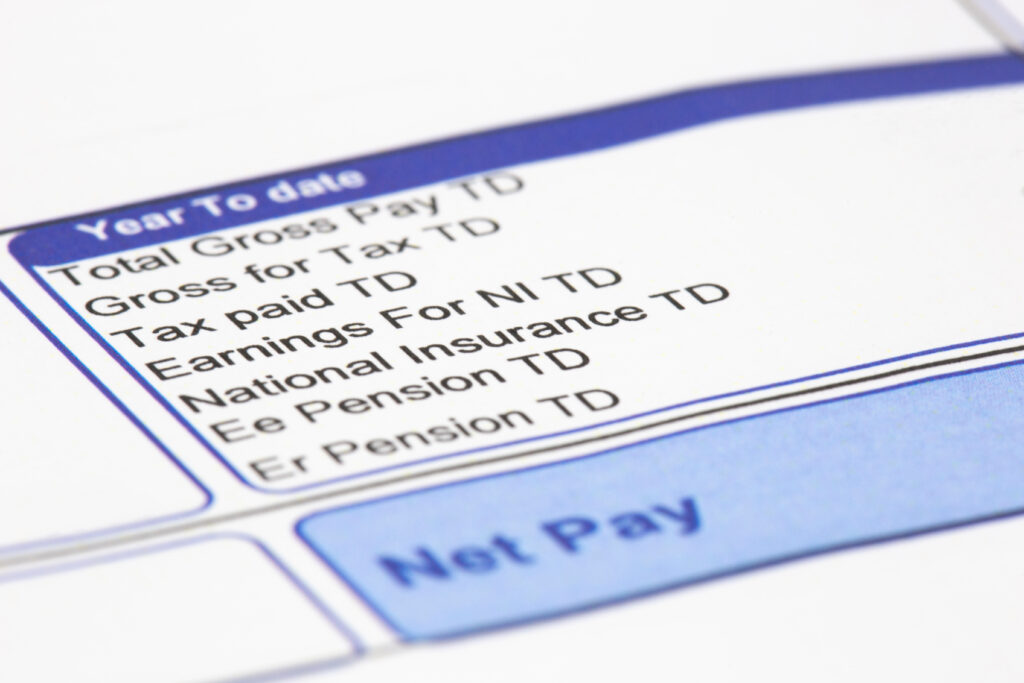
Keeping copies of your KID and payslips is essential if problems escalate. Read more on decoding payslip deductions here.
9. Why Recruiters and Agencies Also Rely on KIDs
KIDs don’t just protect contractors. Agencies use them to demonstrate compliance and due diligence when referring workers to umbrellas.
As a result, inaccuracies in a KID can put agencies at risk too. This is why reputable recruiters increasingly scrutinise KIDs before allowing umbrellas onto their PSLs.
Final Thoughts
Understanding how to read a Key Information Document puts contractors in control of their pay. While the document may look simple, the details matter.
By taking time to review each section carefully, contractors can avoid unpleasant surprises, spot non-compliant umbrellas early, and make informed decisions about who handles their payroll.